 sales@marktecprods.com
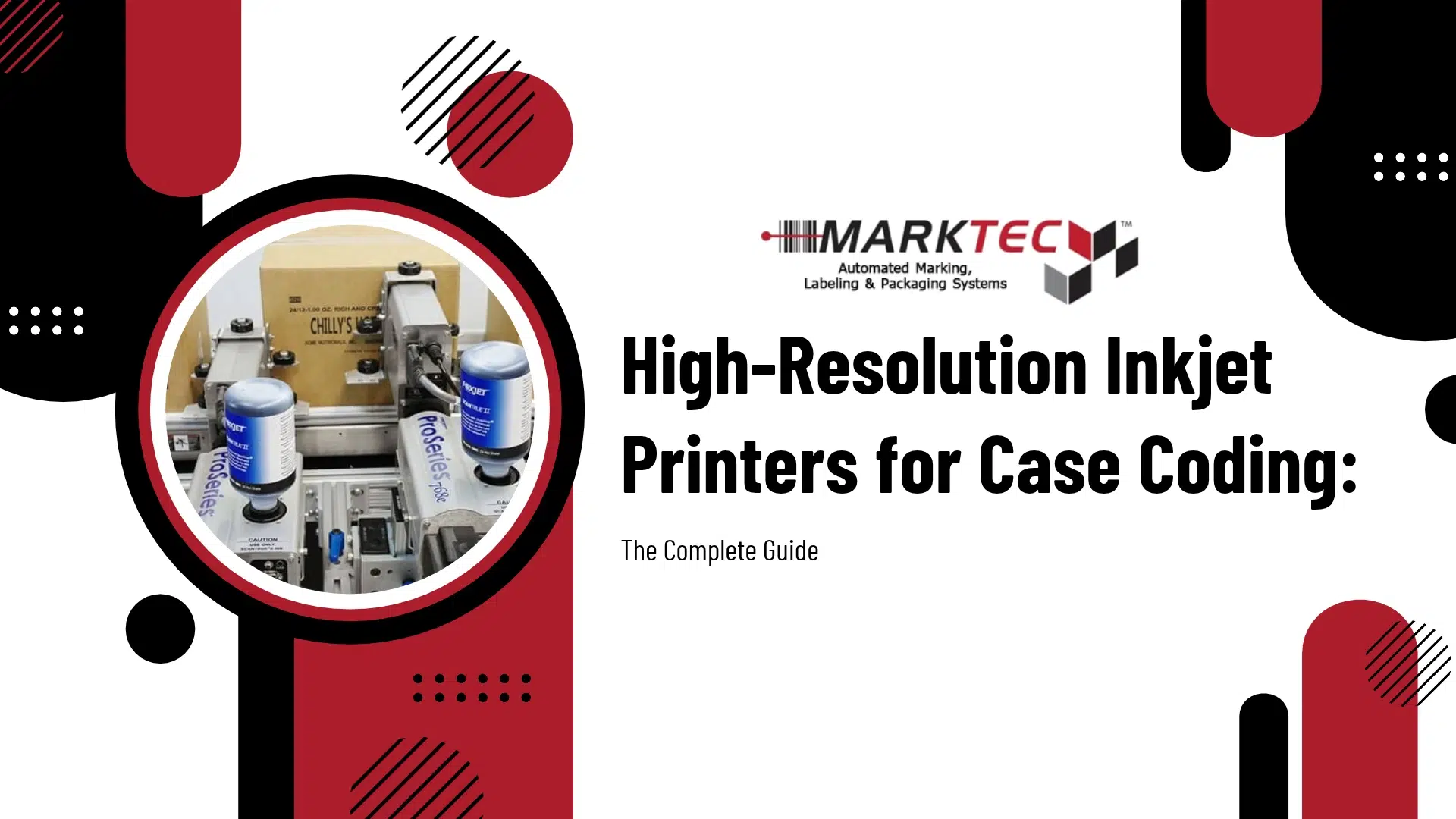
A high-resolution inkjet printer is an industrial coder that prints sharp text, logos and scannable barcodes directly onto cases, trays and other packaging as they move down the line. It replaces pre-printed boxes and many labels. The right one depends on your surface, the size of the print, your line speed, and whether your barcodes must pass a retailer’s scan check.
This guide is about industrial packaging printers, not office or photo printers. It explains the main high-res technologies, what to check before you buy, and how to print case barcodes that meet GS1 rules. Marktec has sold and serviced coding equipment from Batavia, NY since 1982, and we carry more than one high-res brand, so we can compare them honestly.
What is a high-resolution inkjet printer?
Industrial inkjet coders fall into two broad groups. Continuous inkjet (CIJ) printers fire a constant stream of drops and are used for small codes on bottles, cans and film. Drop-on-demand (DOD) printers fire drops only when needed. DOD is split again into low-resolution valve jet printers, which push out comparatively big drops through electric valves, and high-resolution printers, which eject very small drops using thermal or piezoelectric printheads.
Those small drops are what make the difference. More drops per inch means crisp edges on text, readable fine print, clean logos, and barcodes that scanners can decode, all printed on demand with live data such as dates, lot numbers and order details.
How it works on a packaging line
- A photo sensor detects the case as it passes the printhead.
- An encoder measures conveyor speed so the print isn’t stretched or squashed.
- The controller sends the message, with live dates and counters, to the printhead.
- The printhead fires ink onto the side of the case without touching it.
- Optionally, a scanner or print validation system checks the barcode before the case leaves the line.
The three main high-resolution technologies
Most high-res case coders use one of three printhead types. Each wins in different conditions, which is why a dealer that sells only one will always recommend that one.
| Technology | How it prints | Typical strengths | Watch out for | Example |
|---|---|---|---|---|
| Piezo inkjet | A piezo crystal flexes to fire each drop | Tall print per head, oil- or solvent-based inks for porous and non-porous surfaces, bulk ink | Printhead must stay close and parallel to the case | Squid Ink CoPilot Max: up to 2.8″ per head, up to 360 dpi |
| Trident-based piezo (Foxjet ProSeries) | Industrial piezo printheads built for case coding | Very tall messages, darker print for barcode read rates, printing from farther away | Higher upfront cost | Foxjet ProSeries 768e: up to 4″ print height |
| Thermal inkjet (TIJ) | Tiny heater boils ink to eject a drop; printhead is part of the cartridge | Very sharp print, a new printhead with every cartridge, low maintenance | Short print height per head; best on porous or with specific inks | REA JET HR: up to 600 dpi, 12.7 mm per head |
High-resolution vs other ways to mark cases
- Low-resolution valve jet (DOD): big drops make bold, visible text on corrugated, but resolution is lower and small text looks rough, according to Keyence’s case coder comparison. A good fit for simple lot codes and shipping marks. See our drop-on-demand coders.
- Continuous inkjet (CIJ): made for small codes on primary packaging such as bottles and film, not for big case messages. One known downside is high solvent use. Compare CIJ printers and read what a CIJ really costs to own.
- Labels and print-and-apply: best on dark, glossy or coated cases where ink contrast is poor, or where a customer requires a label. See print and apply label printers.
- Full-color printing: when you need color graphics on plain cartons, look at full-color high-resolution printers.
What to check before you buy a high-resolution inkjet printer
1. Surface and ink
Plain brown corrugated is the easy case. Coated, white-top, glossy or plastic-wrapped cases need different inks, and some need a different technology altogether. For glossy surfaces, see Squid UV inkjet printers. Bring real cases to any demo.
2. Print height and message layout
Sketch the largest message you will print: text lines, logo, barcode, and how tall each must be. That sets the print height per head and the number of heads. Heights range from about half an inch on a single TIJ head (12.7 mm on a REA JET HR) to 4 inches on a Foxjet ProSeries 768e, and up to 5.6 inches with two stacked Squid heads.
3. Barcodes and resolution
If you print GS1 case barcodes, resolution, ink darkness and print size all affect the scan grade. The barcode section below covers the rules.
4. Line speed and case handling
Check the printer’s speed at your required resolution, since speed and resolution trade off on many models. Also look at how cases travel: if they skew or bulge, you need guide rails or a printhead that can print from farther away, like Foxjet’s “E” series.
5. Controller and data
Decide how messages change: by hand on a touchscreen, from a network, or from an ERP system. One controller can often run several heads or even two lines, which lowers cost per line.
6. Environment, service and support
Dust, cold and washdown areas shorten printer life. Ask about coders for harsh environments, and who will repair the printer when it stops.
High-resolution inkjet printers Marktec carries
| Model | Technology | Highlights | Spec sheet |
|---|---|---|---|
| Foxjet ProSeries 384e | Trident piezo | Built for high-contrast, verifiable barcodes; up to 2″ print height | |
| Foxjet ProSeries 768e | Trident piezo | Complex messages and graphics up to 4″ tall; long throw distance for irregular cases | |
| Foxjet Marksman Matrix / ELITE | Controllers | Run up to four printheads on two lines; ELITE has a 17″ touchscreen and stainless case | Matrix, ELITE |
| Squid Ink CoPilot Max | Piezo | Up to 2.8″ per head and 360 dpi; oil- or solvent-based inks; printhead can tilt or rotate | |
| Squid Ink CoPilot 500 | Piezo | Two heads for 5.6″ total print height; 500 ml ink cartridge |
All specs are from our High-Resolution Inkjet Printers page, which also has demo videos. Thermal inkjet options are on our TIJ coders page.
Printing GS1 case barcodes directly on corrugated
This is where many high-res projects succeed or fail. Retailers and distributors scan the case barcode, and a code that won’t scan can mean rejected shipments or relabeling. The standard case barcode, ITF-14, was designed for corrugated: GS1 Sweden describes it as durable and less sensitive to poor print quality, which is why it suits direct printing on board.
A few GS1 rules matter most when you print with inkjet:
- Don’t print it too small. GS1 UK advises using an X-dimension (narrow bar width) below 0.635 mm only on labels or high-quality substrates, not plain corrugated.
- Stay within the size range. GS1 New Zealand gives a magnification of at least 62.5% when printing directly on corrugated, compared with 50% on labels.
- Add bearer bars. ITF-14 printed directly on board uses bearer bars around the symbol to protect the scan.
- Know your pass grade. Foxjet’s summary of the GS1 General Specifications notes that for ITF-14 with an X-dimension over 0.025″, the passing grade drops from the usual 1.5 (C) to 0.5 (D), which makes direct inkjet printing on corrugated workable.
In practice: print dark, keep the case steady and close to the head, test early with your customer’s scanner, and verify on the line. Marktec offers print validation systems for that last step. If your cases are too dark for good contrast, the GSI No Label system prints a white background and the barcode on top.
Where high-resolution inkjet printers pay off
- Replacing labels: printing barcodes and product details directly on the case removes label stock and applicator upkeep. Foxjet positions the ProSeries 768e specifically to replace costly labels with print-on-demand messages.
- Generic cases instead of pre-printed boxes: one plain case can carry the product name, logo, codes and barcode for every SKU, which cuts box inventory and obsolete stock.
- Traceability: live dates, lot codes and counters print the same way on every case, which supports recall readiness.
- Food, beverage, agriculture and distribution: industries where case codes are scanned at almost every step of distribution.
What it costs to own
The printer price is only part of the cost. Compare ink cost per case at your actual message size, printhead life and replacement cost, maintenance time, and downtime risk. Then set that against what you spend now on labels, label applicators and pre-printed boxes. We used the same approach in our CIJ total cost of ownership guide. If cash flow matters, look at our leasing and rent-to-own programs.
See it print on your own cases
Specs only go so far. The best test is your cases, your message and your line speed. Marktec keeps demonstration equipment so you can try before you buy in many cases, and we handle installation, software and hardware support, and field service and bench repairs by factory-trained technicians. When a repair takes longer, rental equipment keeps your line coding.
Planning a high-res project? Request a quick quote or call 585-344-4102 with your case size, message and line speed. Browse real print samples in our marking gallery and watch the printers run on our videos page.
Frequently asked questions
What is a high-resolution inkjet printer?
An industrial drop-on-demand printer that uses thermal or piezo printheads to fire very small ink drops, producing sharp text, logos and scannable barcodes directly on packaging, mostly on corrugated cases and trays.
Can a high-resolution inkjet printer print barcodes that pass GS1 checks?
Yes, if the barcode is the right size, printed dark enough, and the case runs steadily past the printhead. ITF-14 was designed for corrugated, and GS1 sets specific size and quality rules for direct printing. Test with your customer’s scanner and verify on the line.
Can it print on plastic or glossy cases?
Some can. Piezo printers like the Squid CoPilot use solvent-based inks for non-porous surfaces, and UV-curable inks are made for glossy surfaces. Plain thermal inkjet works best on porous board unless you use inks made for coated surfaces.
How far can the printhead be from the case?
It depends on the printhead. Most need the case close and parallel to the head, which is why guide rails matter. Foxjet’s “E” series is designed to print from farther away, which helps with bulging or misaligned cases.
Is high-resolution inkjet cheaper than labels?
Often, over time, because ink usually costs less per case than labels and you remove label stock and applicator upkeep. Compare total cost of ownership at your actual message size and volume before deciding.
Should I choose piezo or thermal inkjet?
Choose piezo for tall messages, bulk ink and mixed surfaces. Choose thermal inkjet for compact, very sharp prints with simple cartridge changes. A dealer that sells both can test each on your cases.